Chat
Channels, threads, DMs, @mentions, reactions, pins and search. Each channel has its own agent, which answers when you mention it, or every time.
 Beta
Channels and threads like Slack, a tracker like Jira or Linear, and an agent that does the work: it reads the thread, makes the change and moves the task. Free, on your own computer or server, end-to-end encrypted.
Other platforms: iPhone, iPad & Mac · Android · Windows · All downloads
Android and Windows apps are in early access. Android: open the APK and allow installs from your browser. Windows: if SmartScreen warns, choose More info → Run anyway.
Bring your own keys and subscriptions — Terminull uses the auth the CLIs already have.
Kimi Code and Qwen Code connect over ACP, the open Agent Client Protocol.
The chat, the tracker and the docs live together, and the agent works in all three.
Channels, threads, DMs, @mentions, reactions, pins and search. Each channel has its own agent, which answers when you mention it, or every time.
Tasks, bugs, releases, tickets, invoices, leads: types with fields and states, a list with filters, a card in the chat. The agent creates and moves them as the work happens.
Documents with versions, decisions, runbooks and postmortems. Shared memory keeps what the team decided, so every agent knows it too.
A space is your team's workspace on a shared machine. Everyone talks in the same channels, and each channel's agent works on the shared project: code, documents, spreadsheets.
Every space has an owner-only setup chat with an agent that knows the whole configuration. Say what you need; it does the rest. No settings maze.
Tasks, deals, tickets, releases: your own record types, linked to each other. A change can hand the next step to the agent, which does it in the record's own thread.
For when you're walking, driving or just away from the keyboard.
Dictate in your language and say “send it” when you're done. Speech is transcribed on your own machine or on the phone.
A long answer gets a short summary card with ▶. Hear a 30-second retelling or the whole reply, in a natural voice, up to 2× speed.
Keep the tools your team already uses. A channel and your tracker stay in step both ways.
Two-way sync: a team or a project per channel. Issues become cards, and changes go both ways.
Two-way sync of a Jira project with a channel.
A Trello board synced with a channel, cards both ways.
Mirror a channel into a Telegram group, or talk to your agents from a bot.
GitHub, CI, monitoring or any service posts into a channel and wakes the agent.
Sign in with Google and keep a space to your company's domain only.
A native client — live blocks, terminal, schedules, voice. Swipe through.
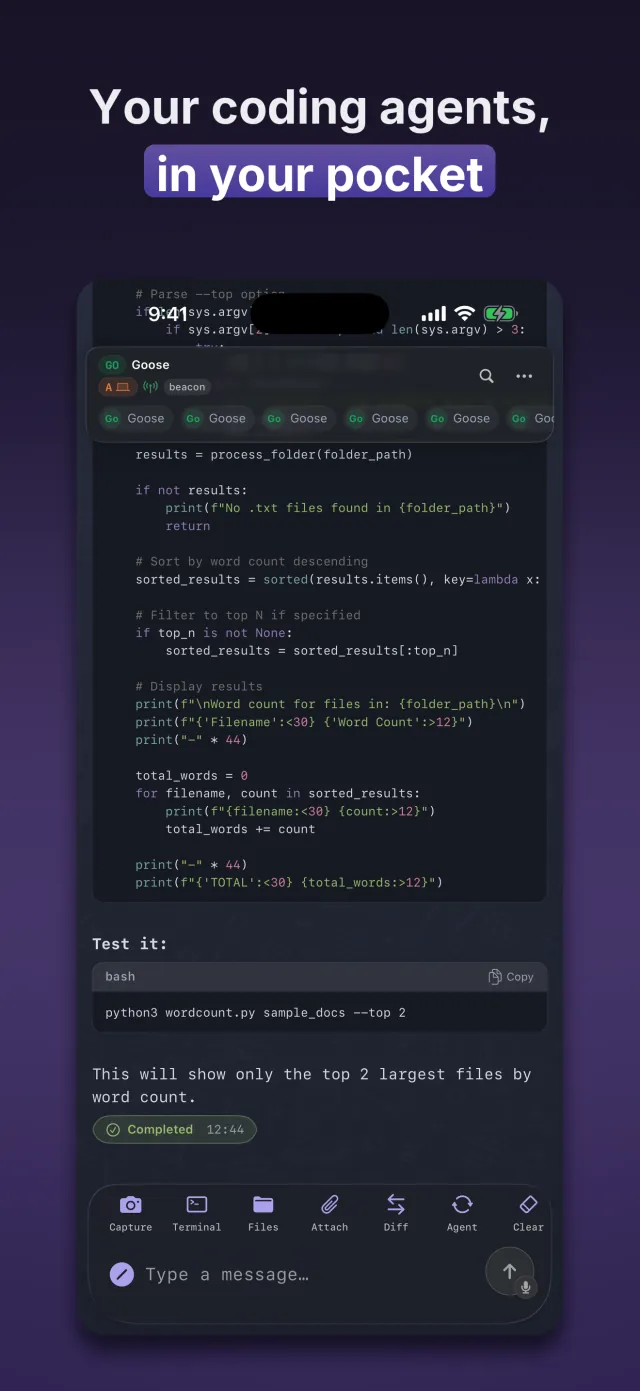
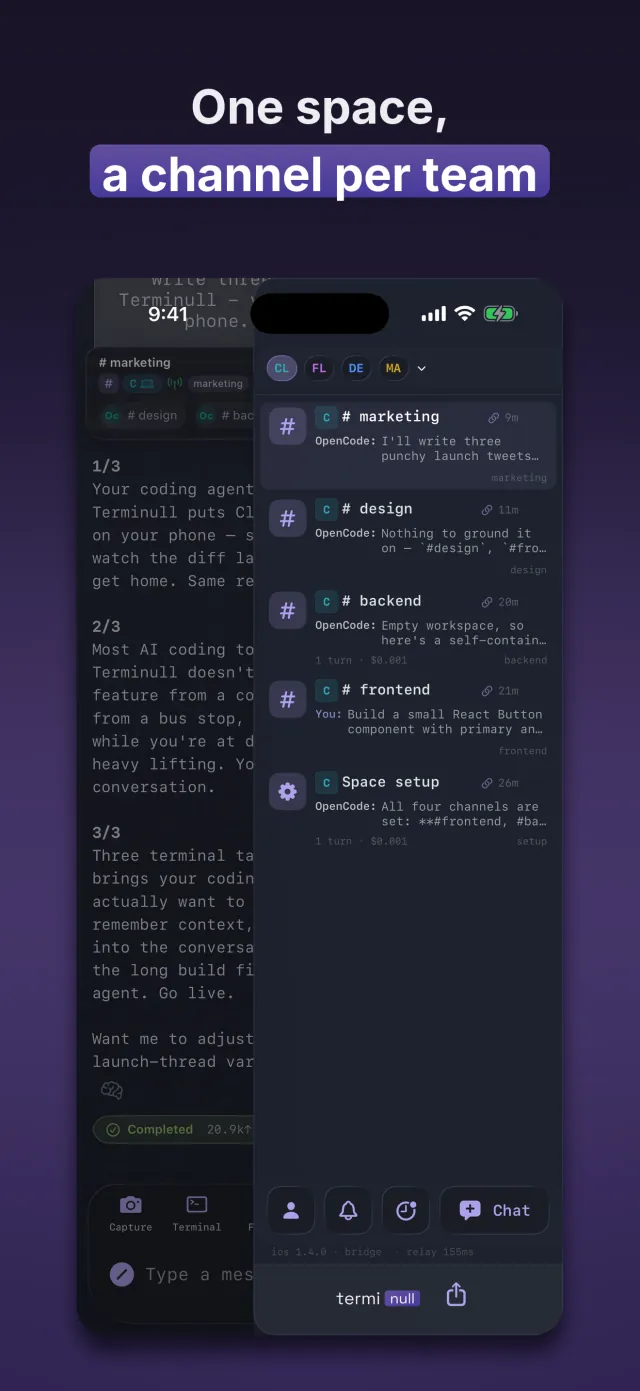
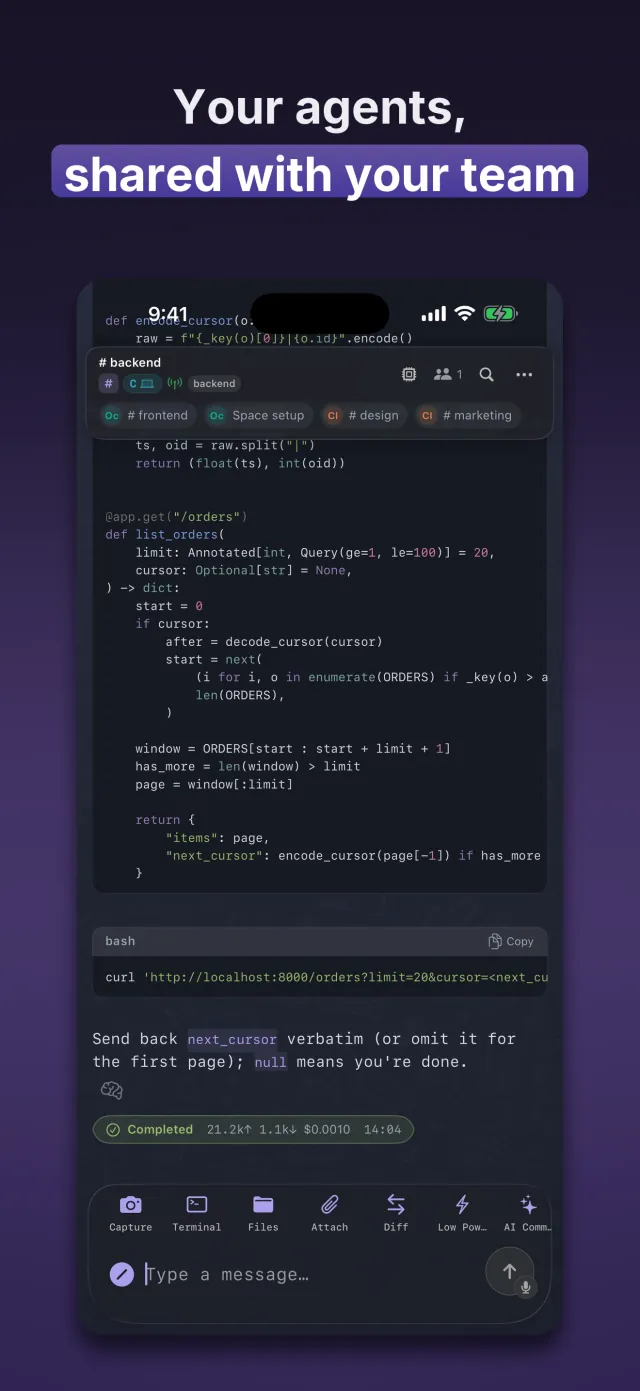
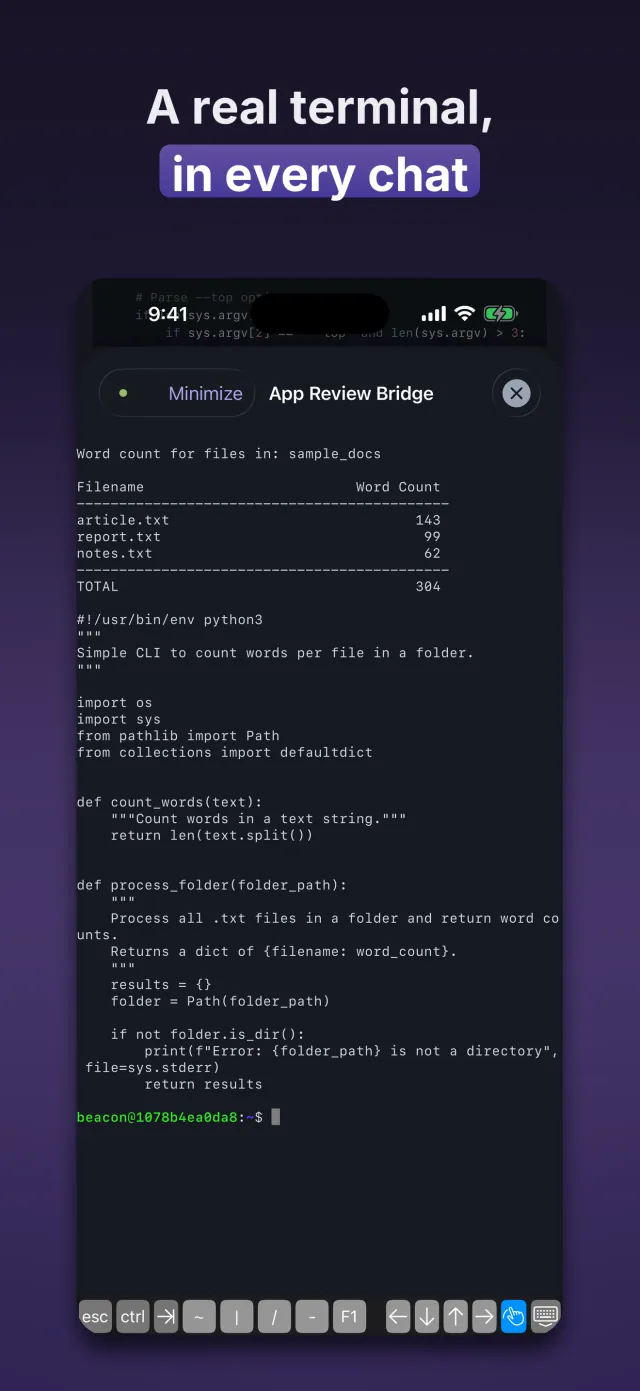
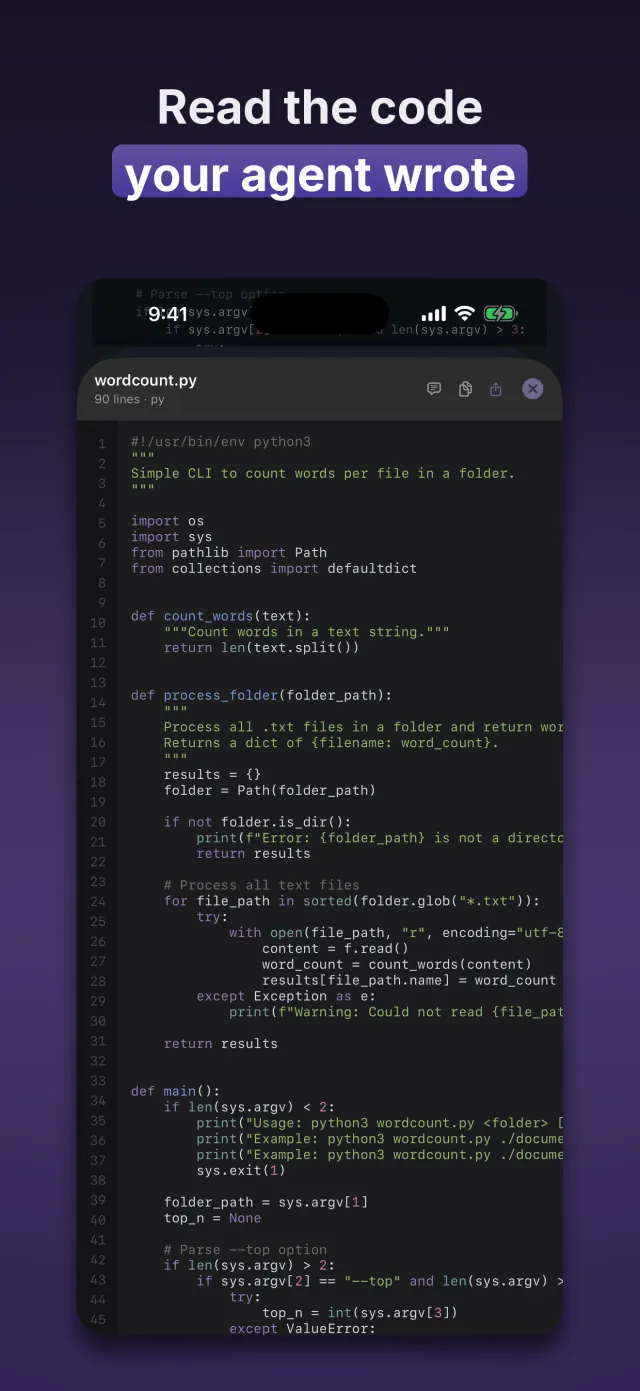
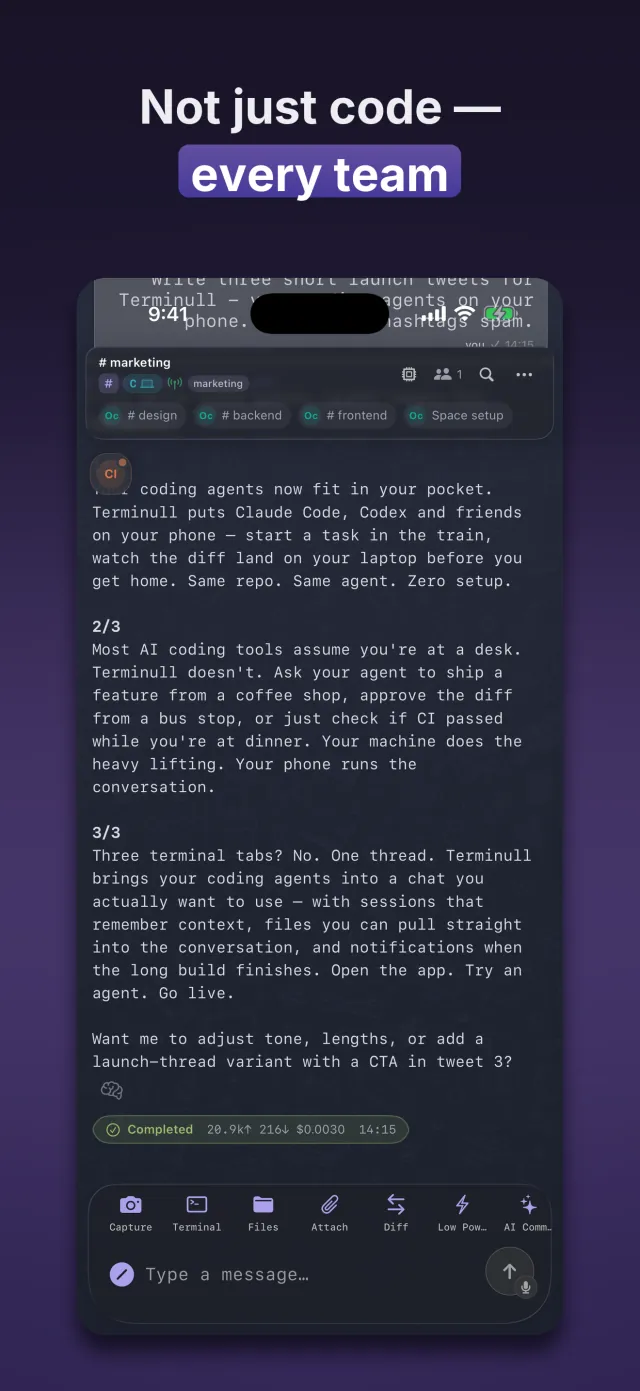
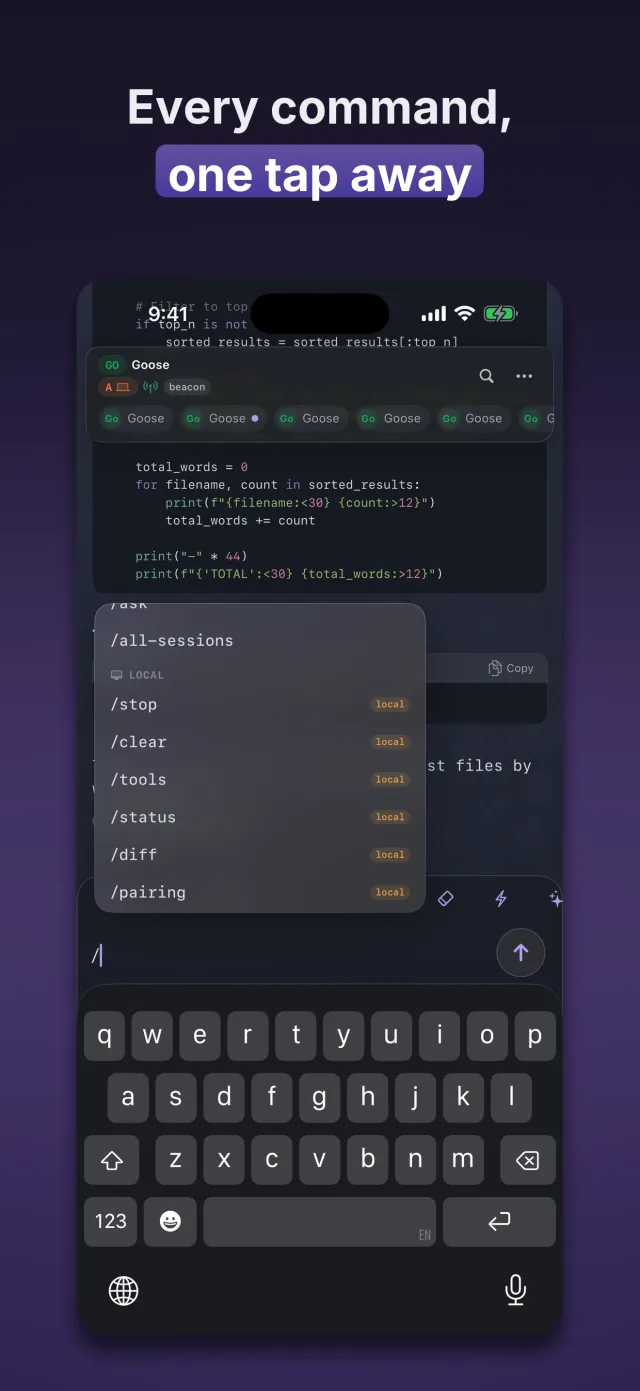
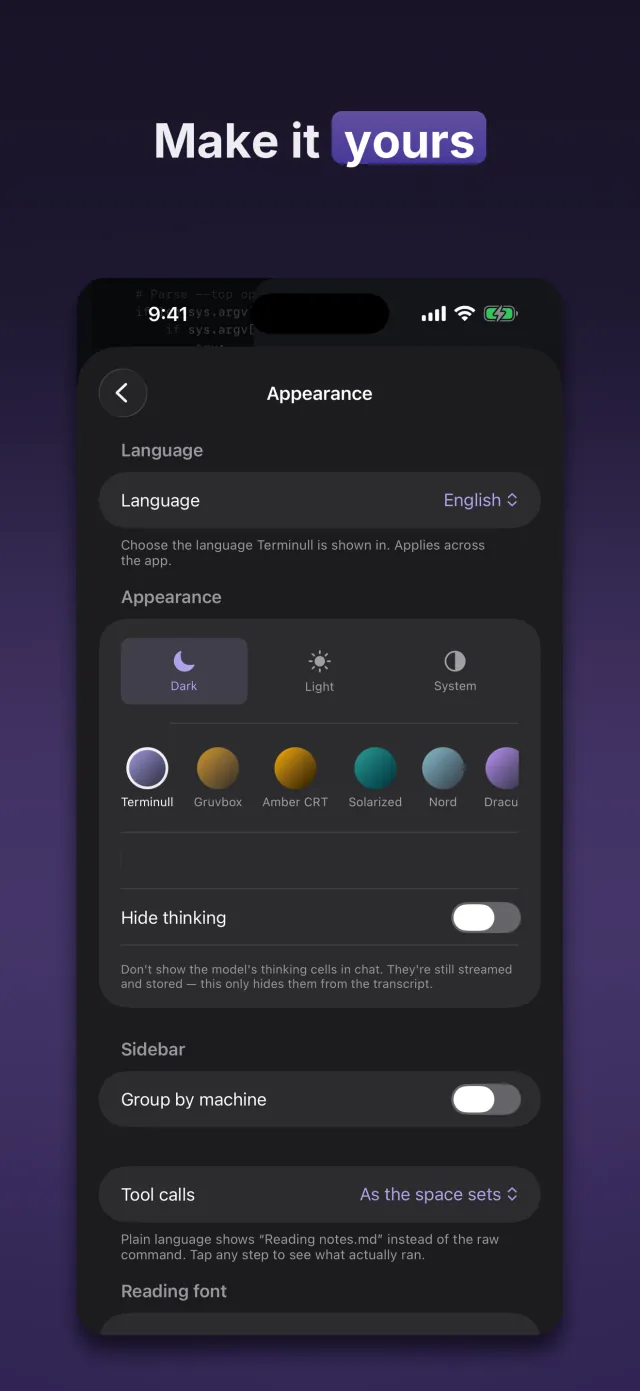
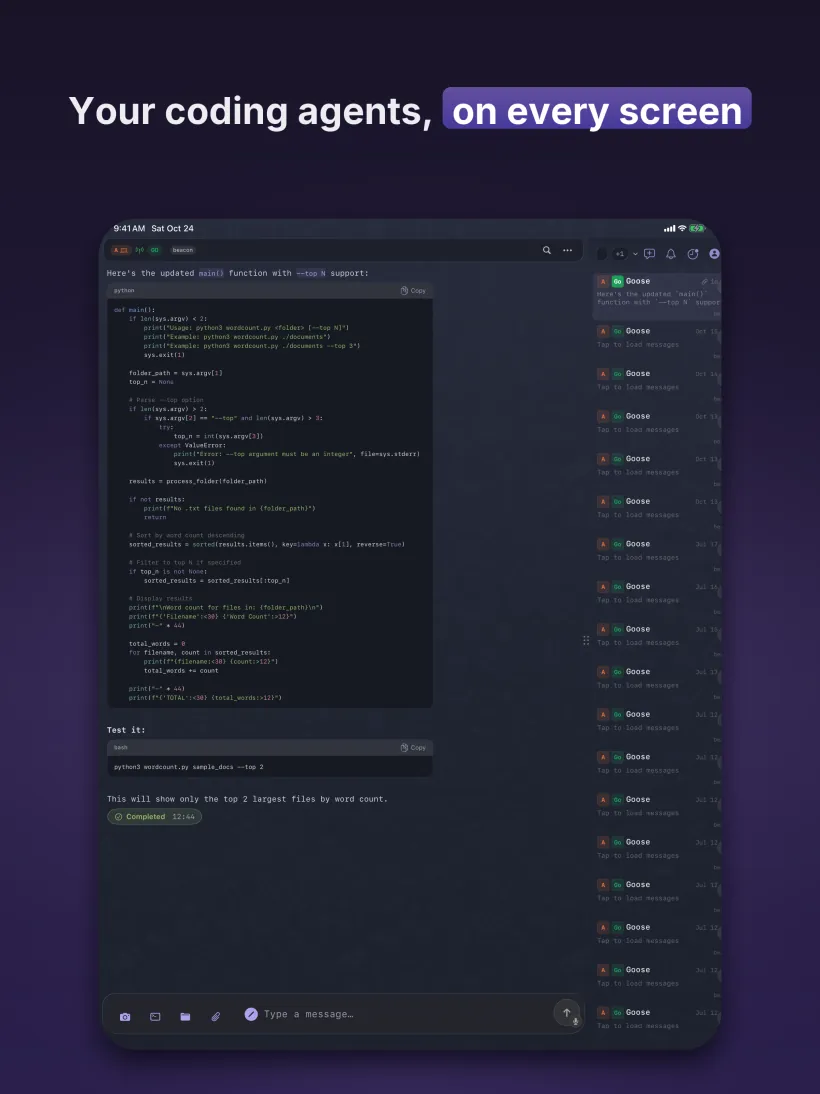
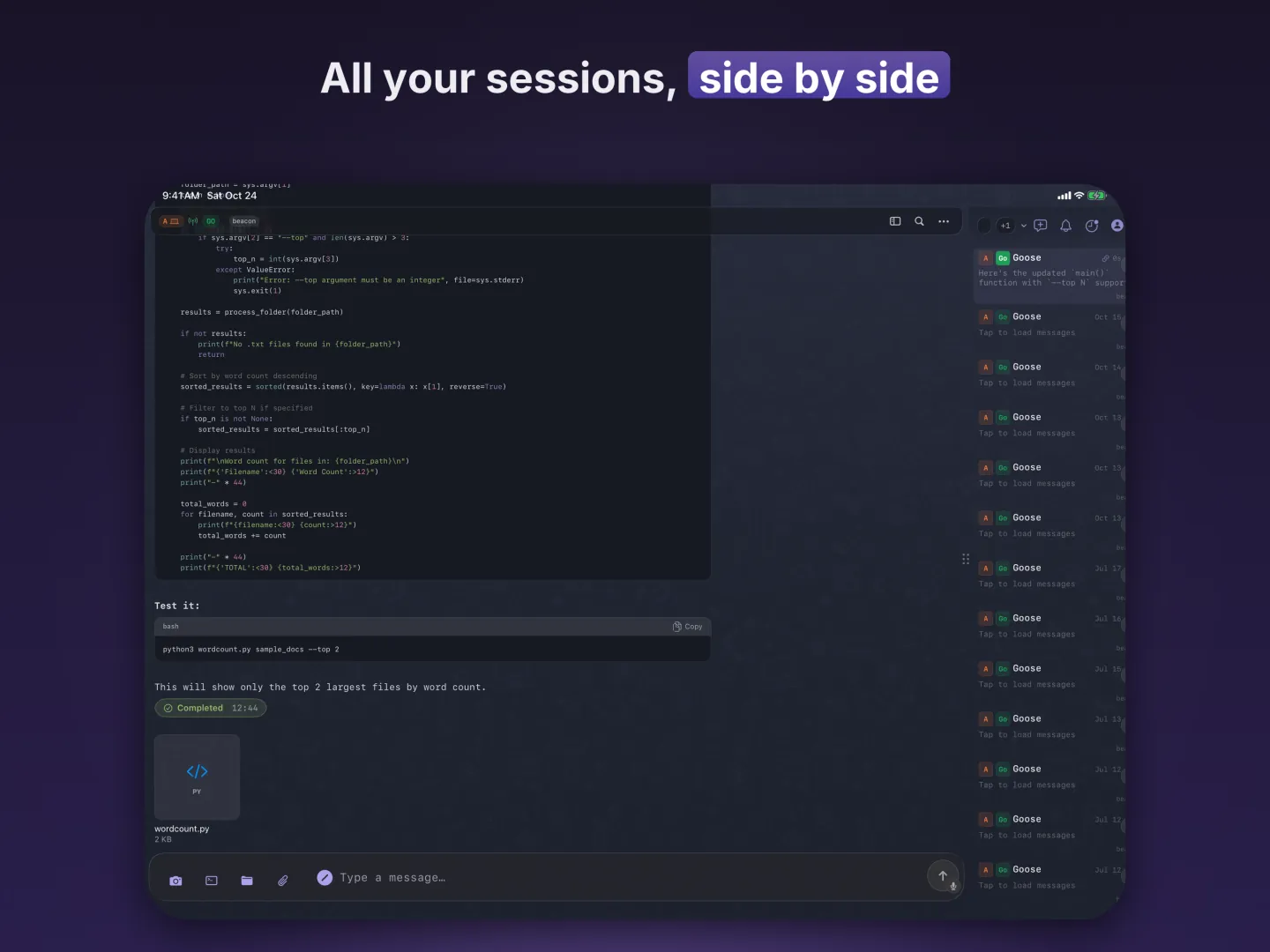
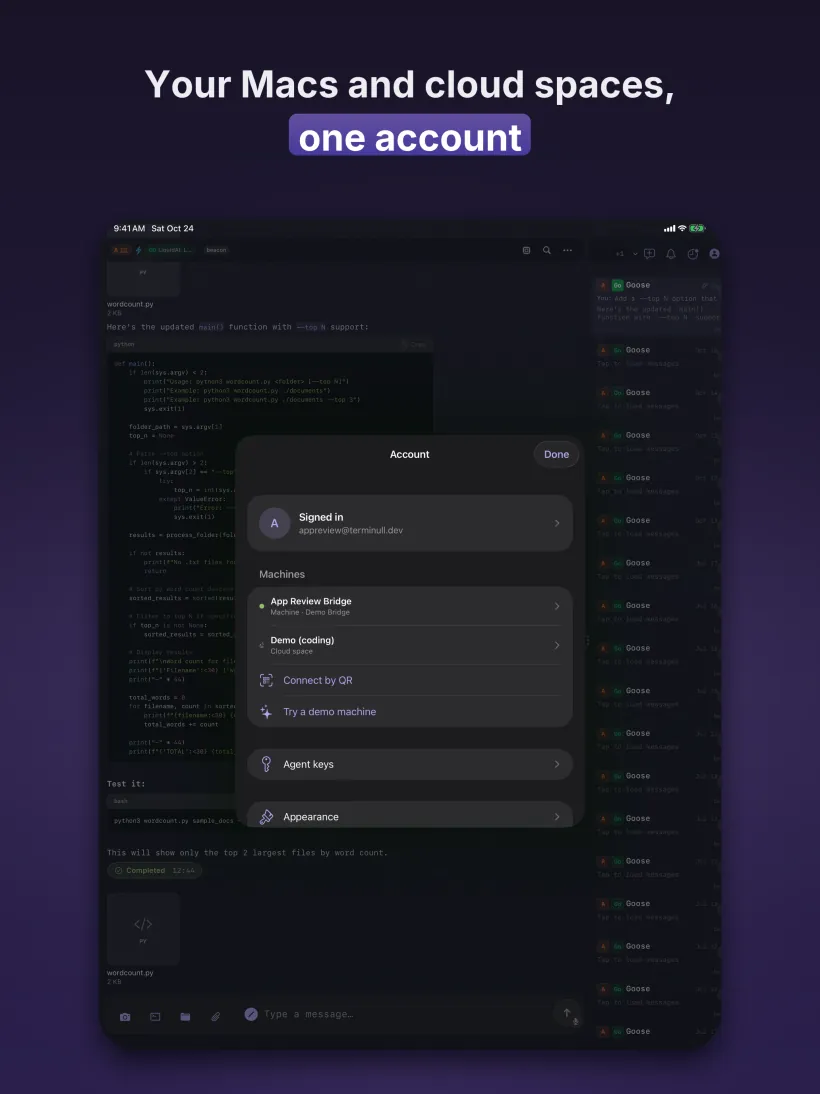
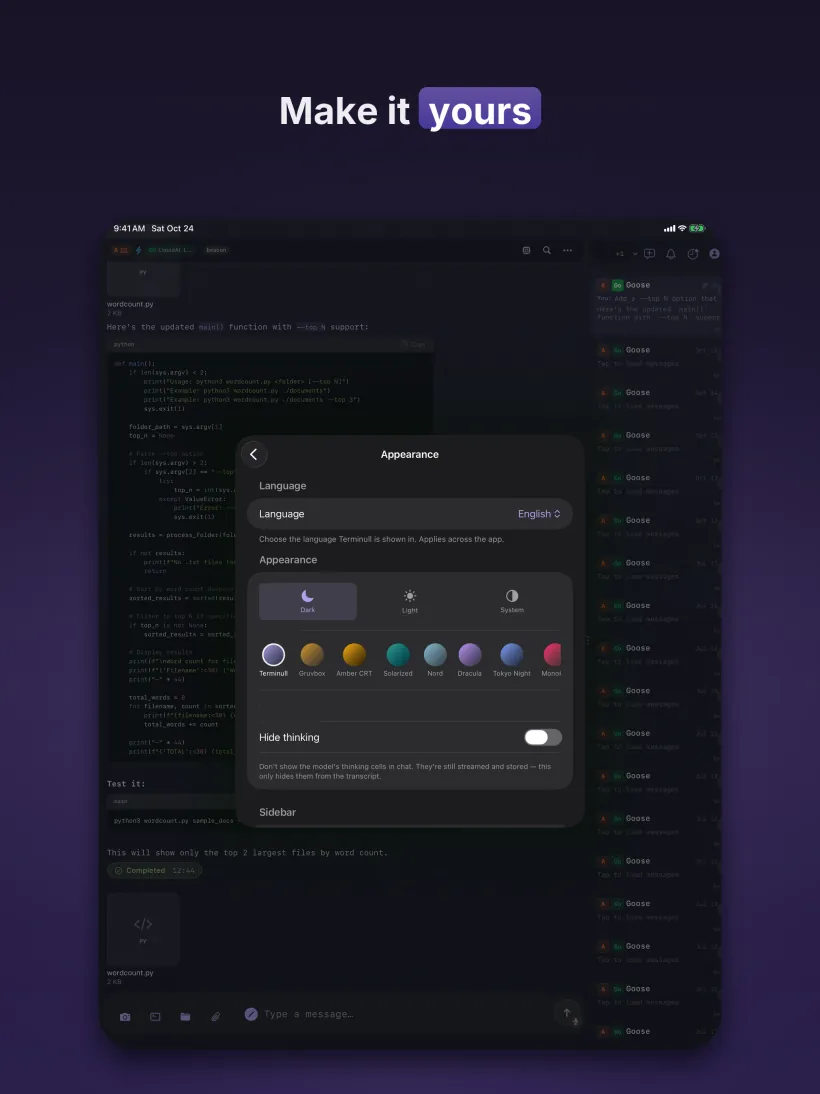
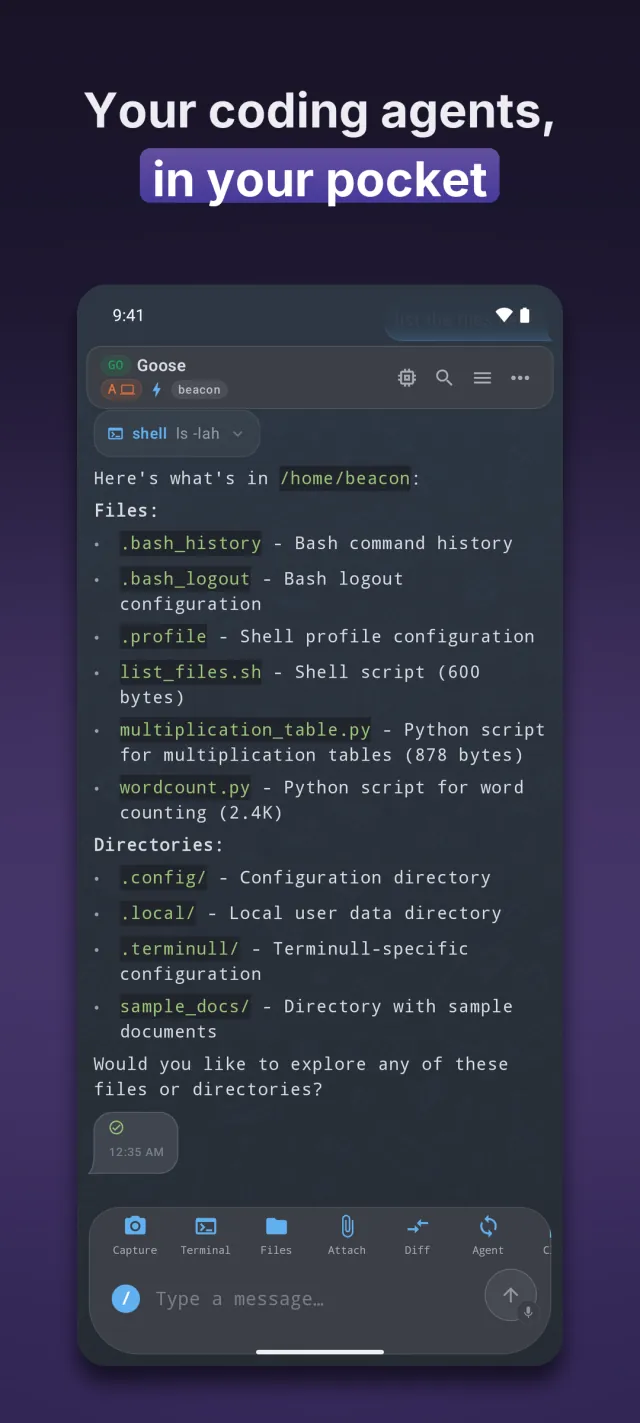
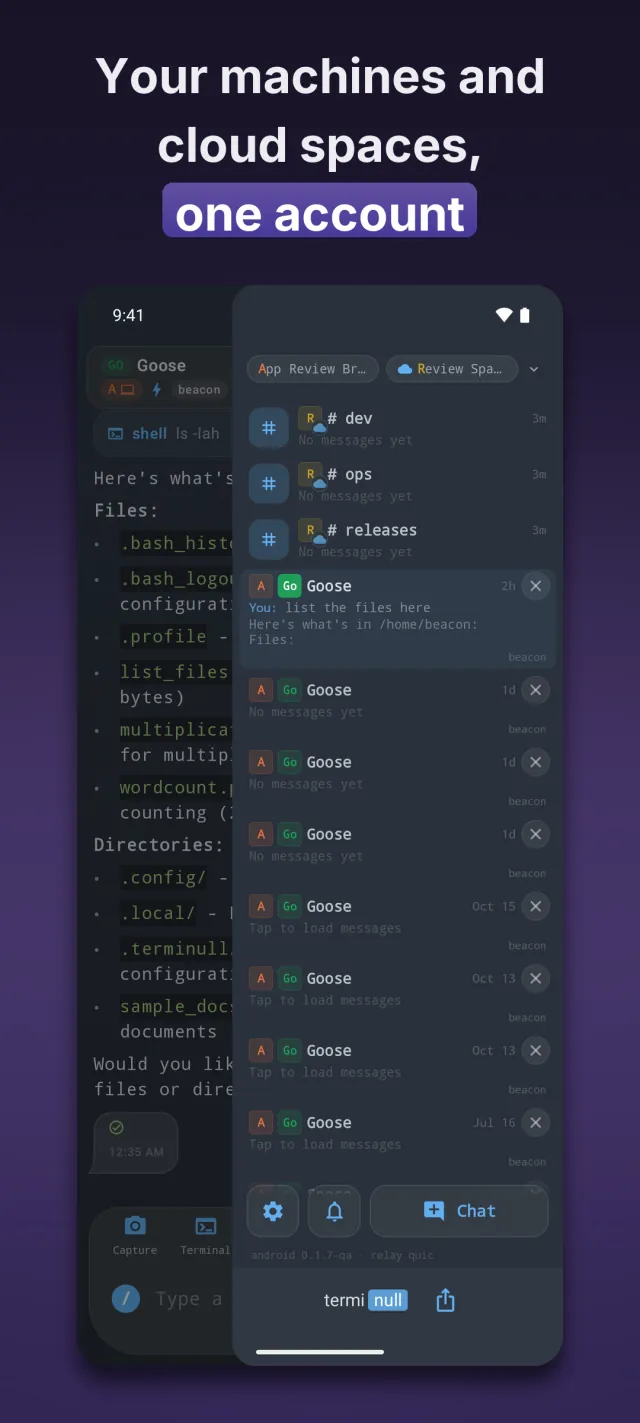
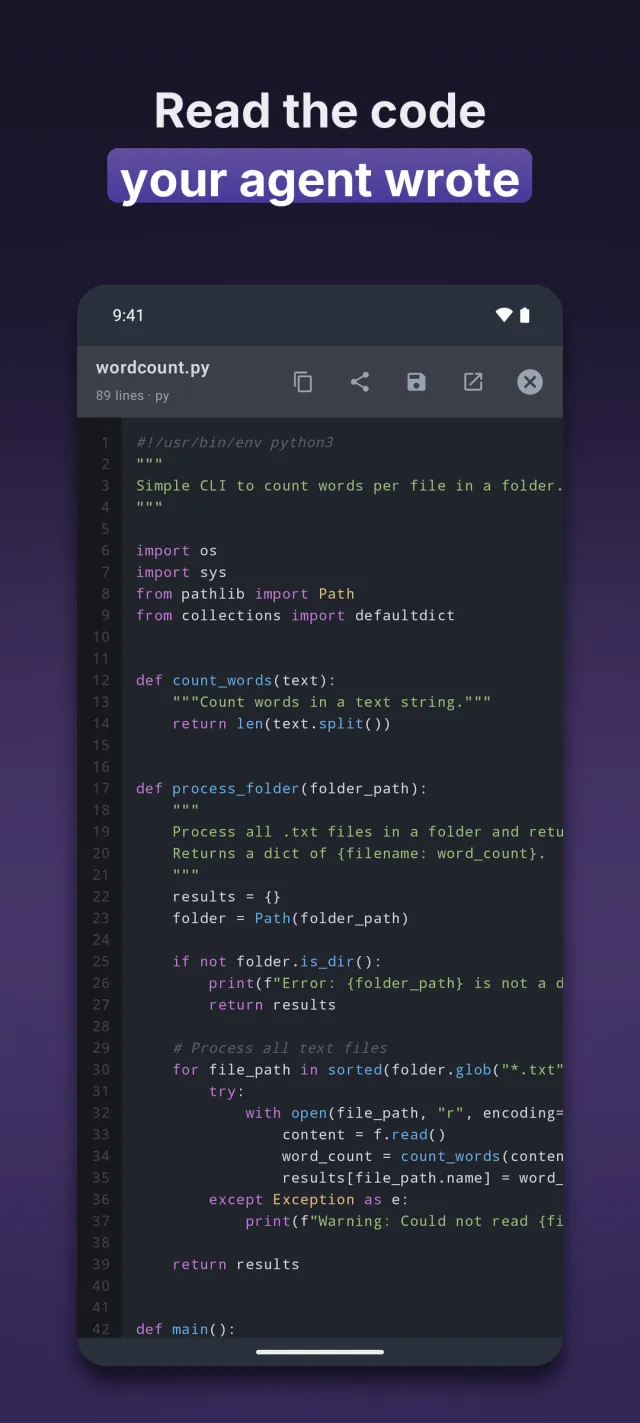
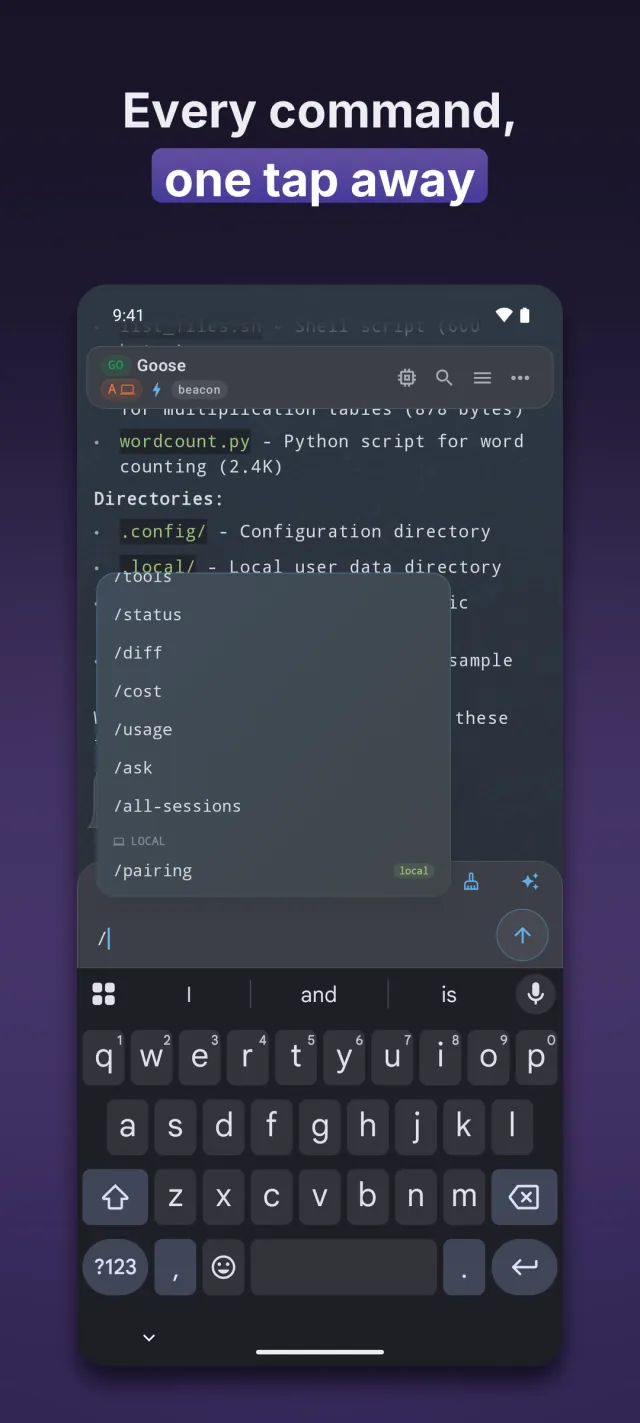
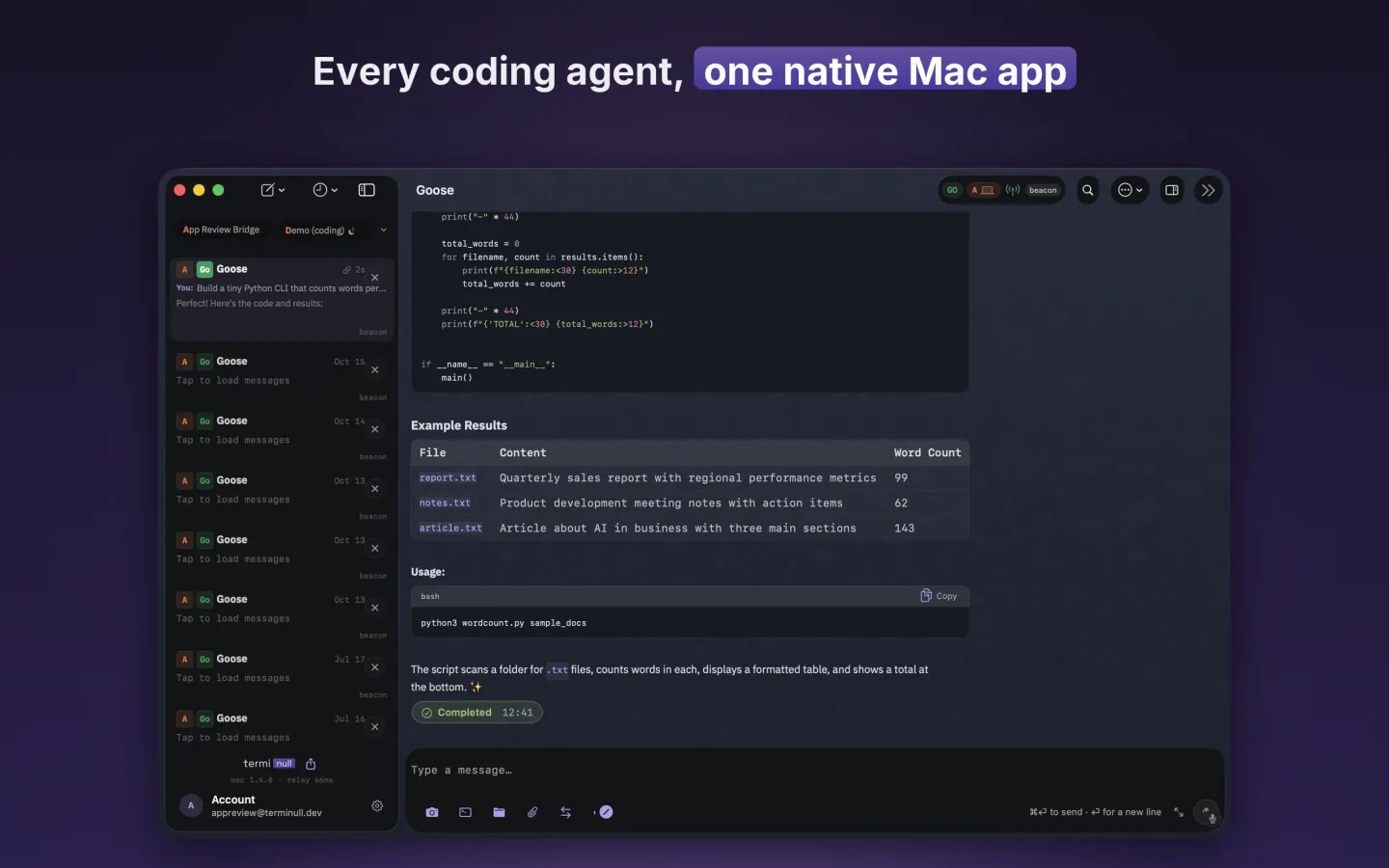
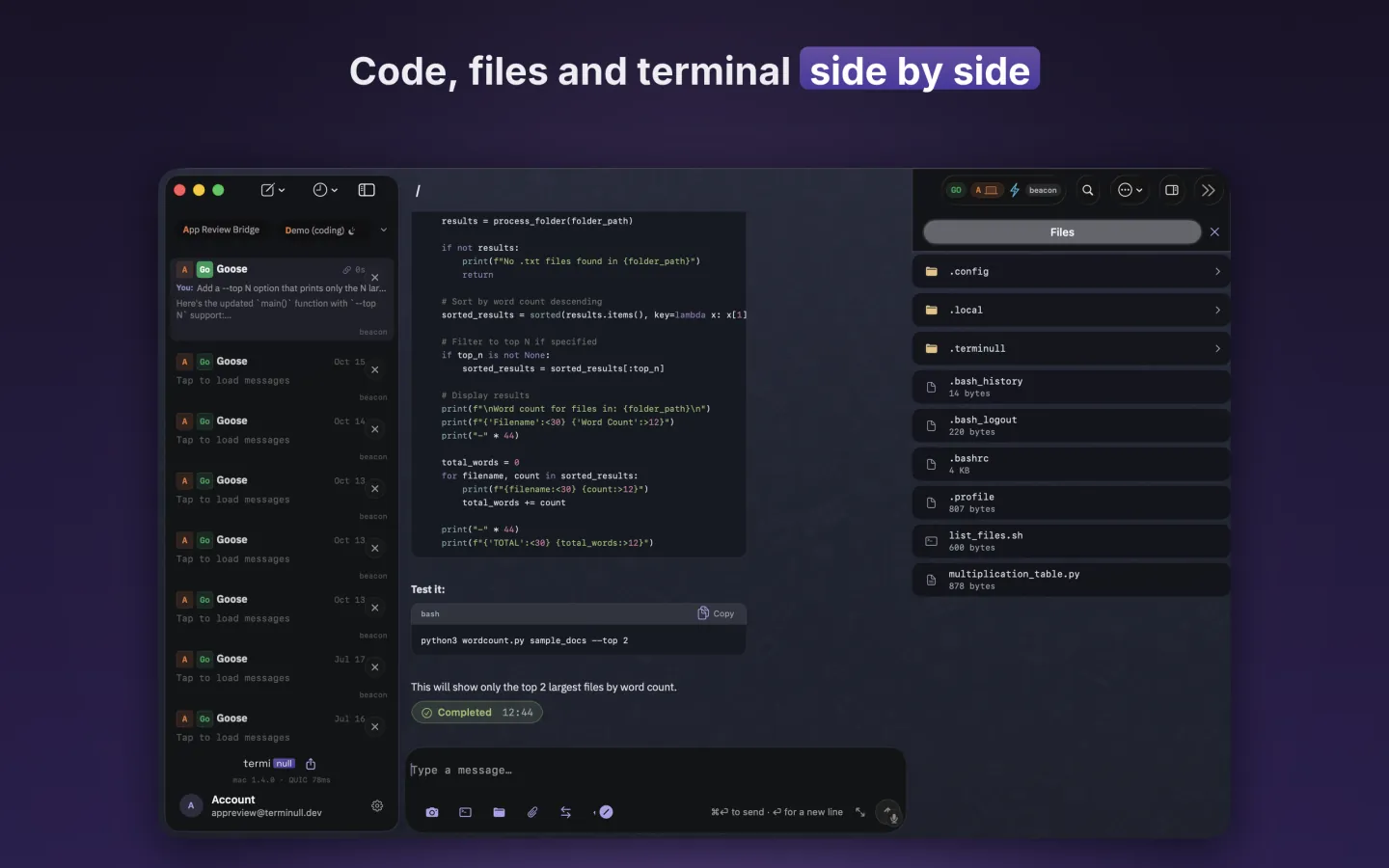
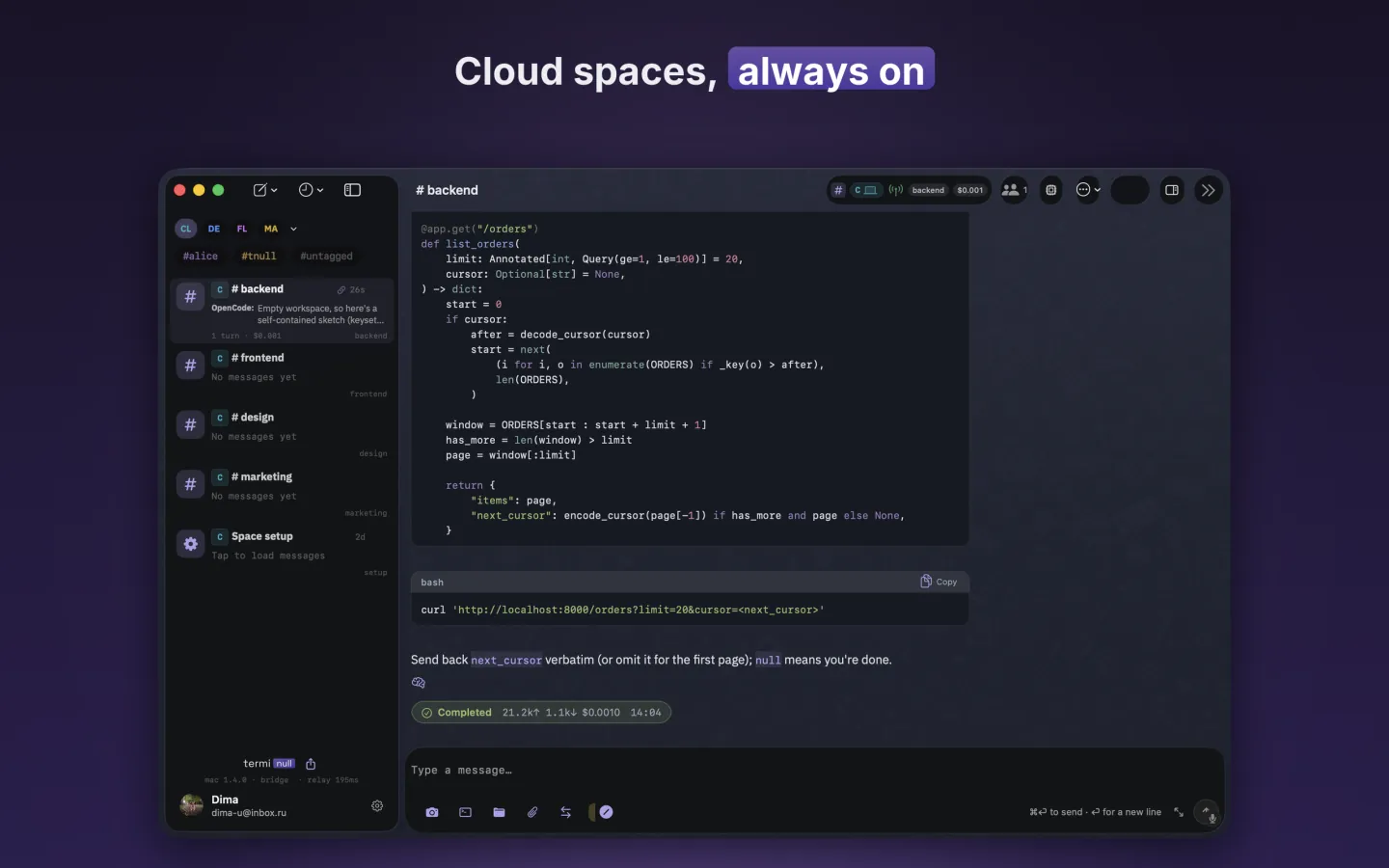
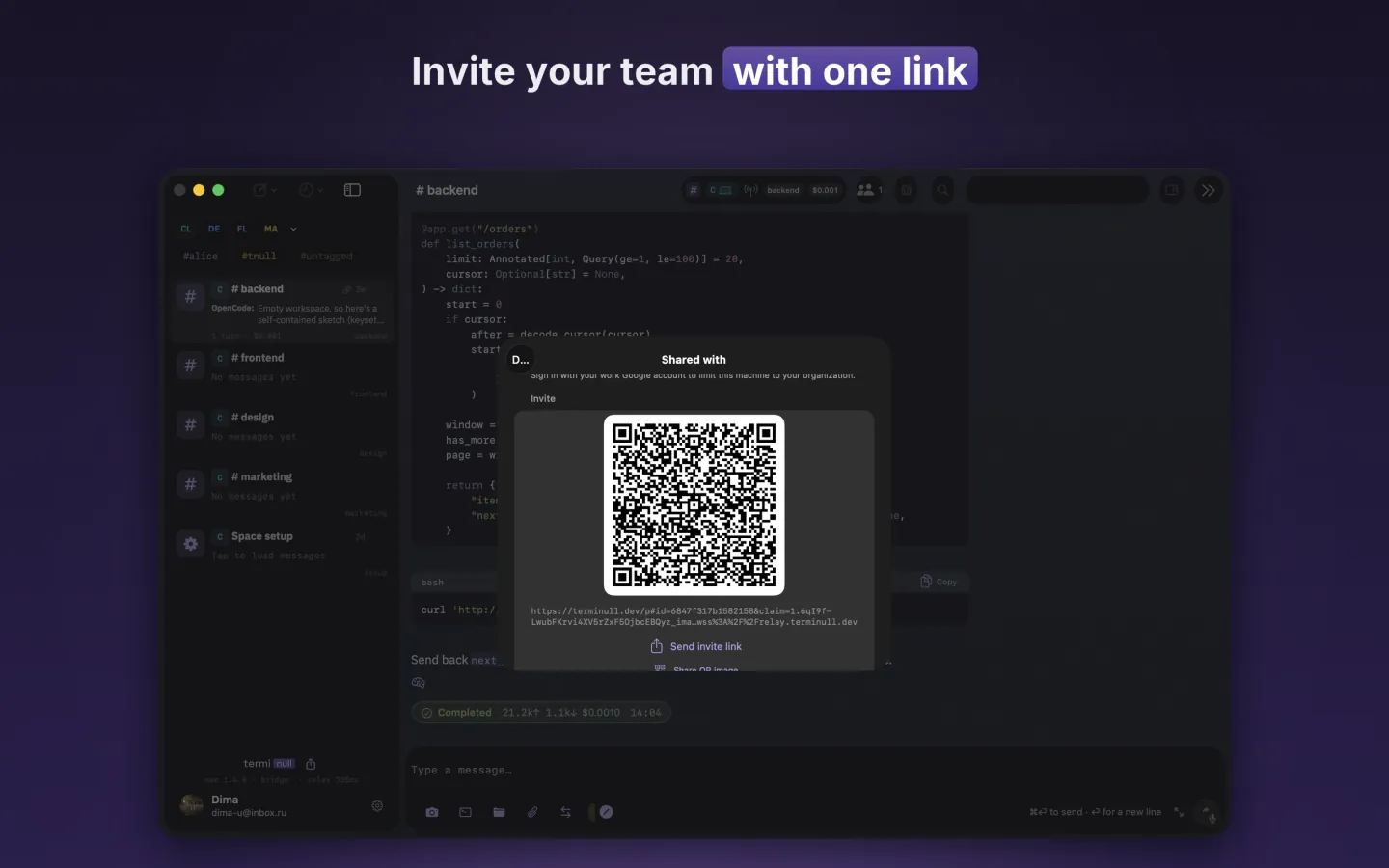
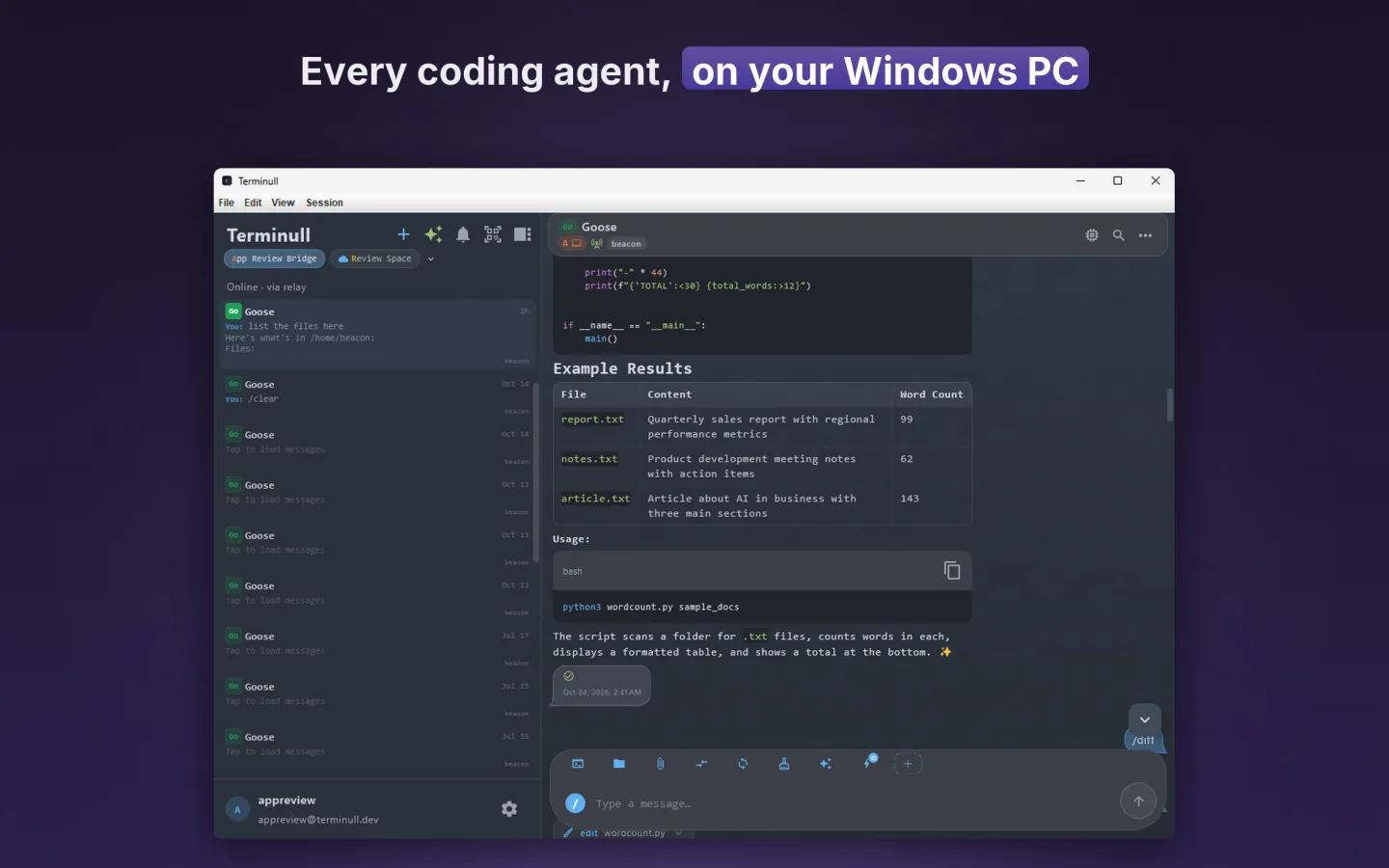
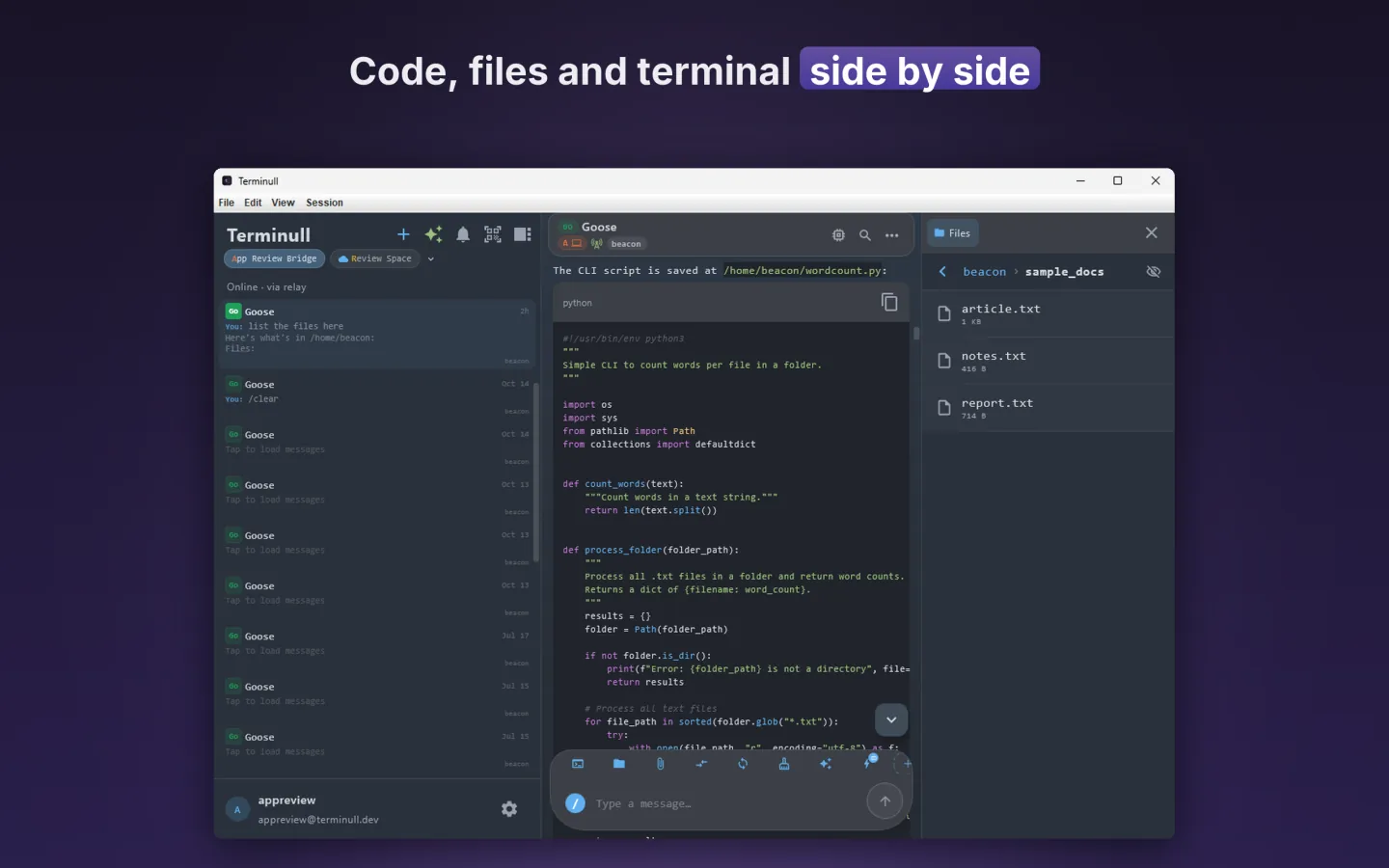
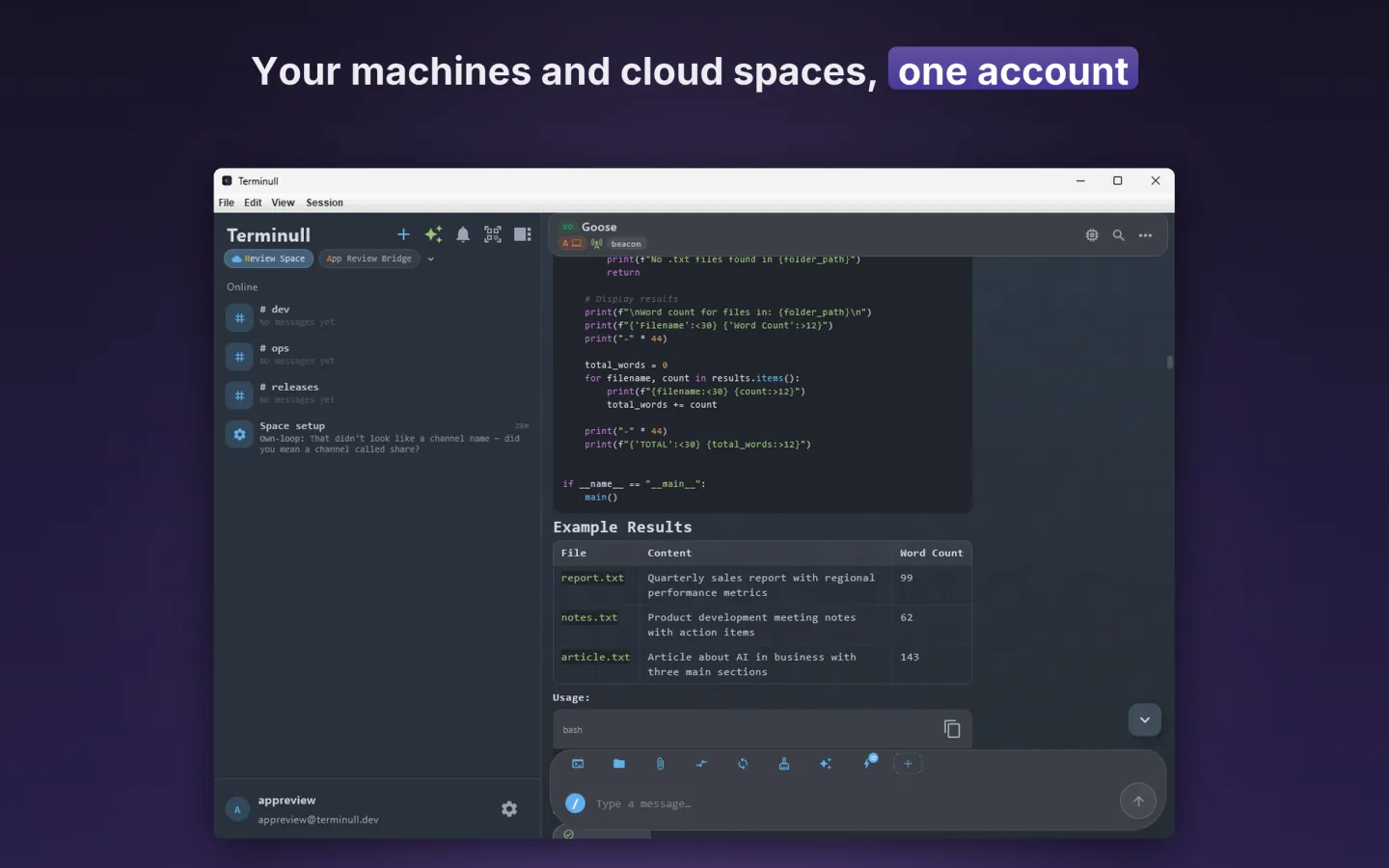
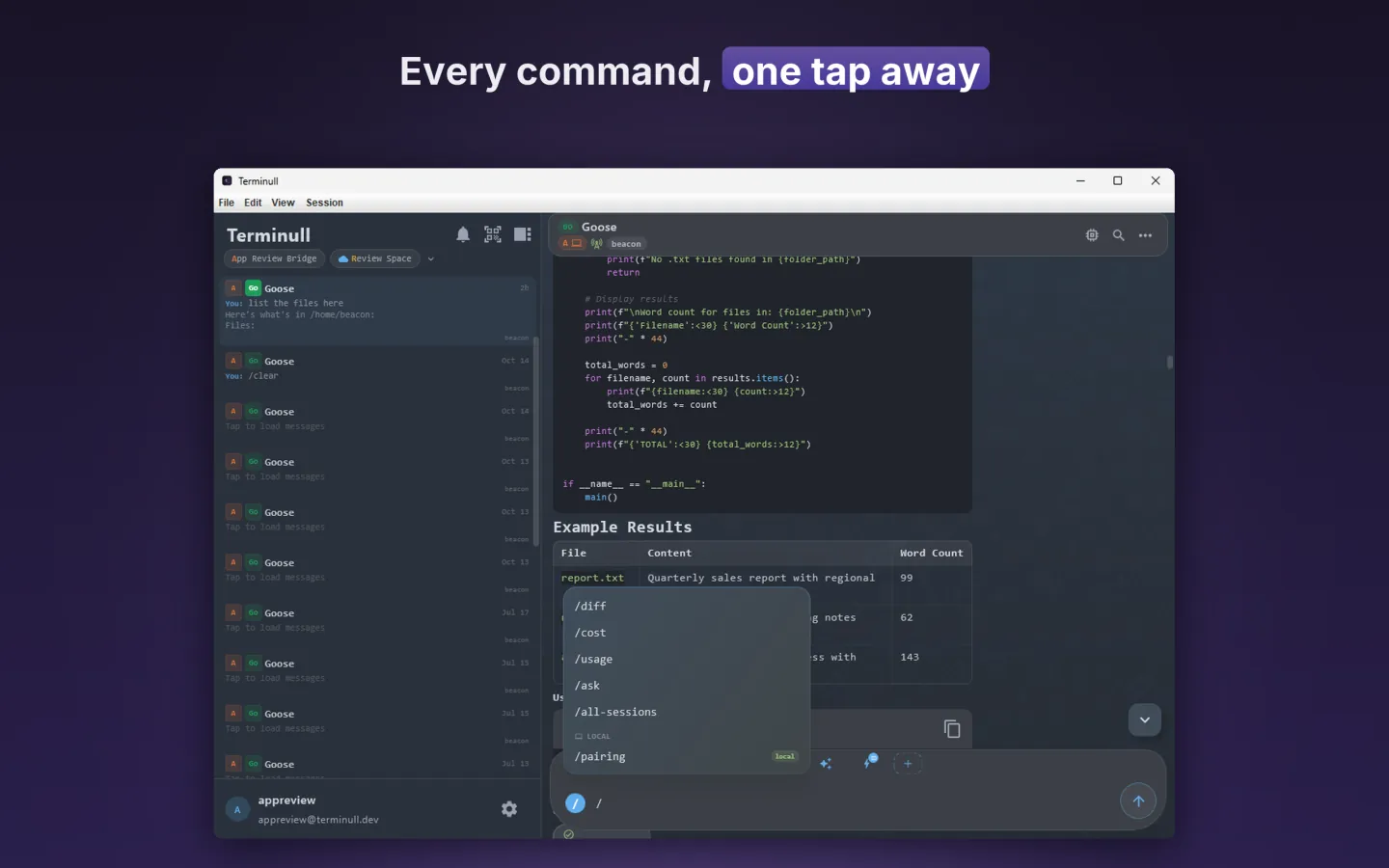
Your computer or server does the work; everyone on the team uses the app.
No team needed. Terminull is also a remote for your own coding agents: the service runs on your machine, your phone drives it, and your code never leaves it.
Streaming output, plan cards and syntax-highlighted diffs, rendered natively. Approve or deny tool actions inline, and pick the model and effort per session.
Start on your phone, continue in the terminal at your desk, and back. Drop into a real shell on the machine whenever you need one.
Recurring prompts fire on their own, rate their own importance and push you only what matters, with progress on your Lock Screen.
Keep your team's space running around the clock, where it suits you.
Install Terminull Service on a VPS, a home server or any computer that stays on. Your space and your data live there.
Install on a serverSleeps when nobody needs it and wakes in seconds on a message or a schedule. Sandboxed, agents preinstalled, pause or delete with a 7-day restore window.
Request accessFree on your own machine, for you and for your team. Our cloud and your own infrastructure when you need them.
Your Mac, Linux box or VPS, driven from your phone.
Free 2Your team's chat, tracker and agents on your own machine or server.
Free 3An always-on team workspace in our cloud. Works while laptops are closed.
On request 4Your own ultra-dense Terminull cloud: up to 500 spaces per server.
On requestA fresh key per session, derived on your devices. The relay only forwards ciphertext.
On the same Wi-Fi your phone talks straight to the machine, or never leaves your network at all.
Bring your own subscriptions. Keys go from your phone to your agents encrypted, through the key vault.
Fence a space to your Google Workspace domain. Leavers lose access automatically.
Previews of whatever the agent sends
Approve, deny or reply from the push; mute per chat
Every chat on every machine, in one field
Progress on your Lock Screen
Ask another agent or machine mid-task
One-tap shell actions and plugins
Send a conversation, or just its last turns
Start a session by voice or Back Tap
The whole stack on your servers, ultra-dense: up to 500 spaces per server, idle ones frozen to disk. Channels between spaces, your own web rendering and artifact services, accounts from your own systems.
Install the service on a computer or server, get the app, scan the QR code.
Yes. Terminull on your own machines is free, for you and for your team; we recommend up to 3 spaces per machine. Cloud spaces and a self-hosted cloud are available on request.
A machine shared with a group. Members chat in shared channels, each with its own agent, and keep private projects in their own folder. A personal space runs on your computer; a cloud space runs on ours.
No. The agents write code, but also documents, spreadsheets and replies. Kits for agencies and support desks set up clients, invoices and tickets.
No. Terminull Service runs on a Mac, on Windows (through WSL, set up for you) and on any Linux box or VPS. The app is on iPhone, iPad, Mac, Android and Windows.
Only the machine that runs the space has to stay on. Put it on a VPS or a home server, ask for a cloud space, or let a Mac keep working with the lid closed.
Sessions are end-to-end encrypted between your devices and the space. The relay only forwards encrypted traffic. If your data must never leave your network, choose Self-hosted cloud.
Claude Code, Codex, Cursor, Gemini, Copilot, Droid, OpenCode, Kilo, Goose, Kimi Code, Qwen Code, Pi and Hermes. Terminull uses the logins and keys your CLIs already have. Kimi Code and Qwen Code run over ACP (Agent Client Protocol), so more ACP agents are quick to add.
Linear syncs both ways with a channel today. Jira and Trello are next.